
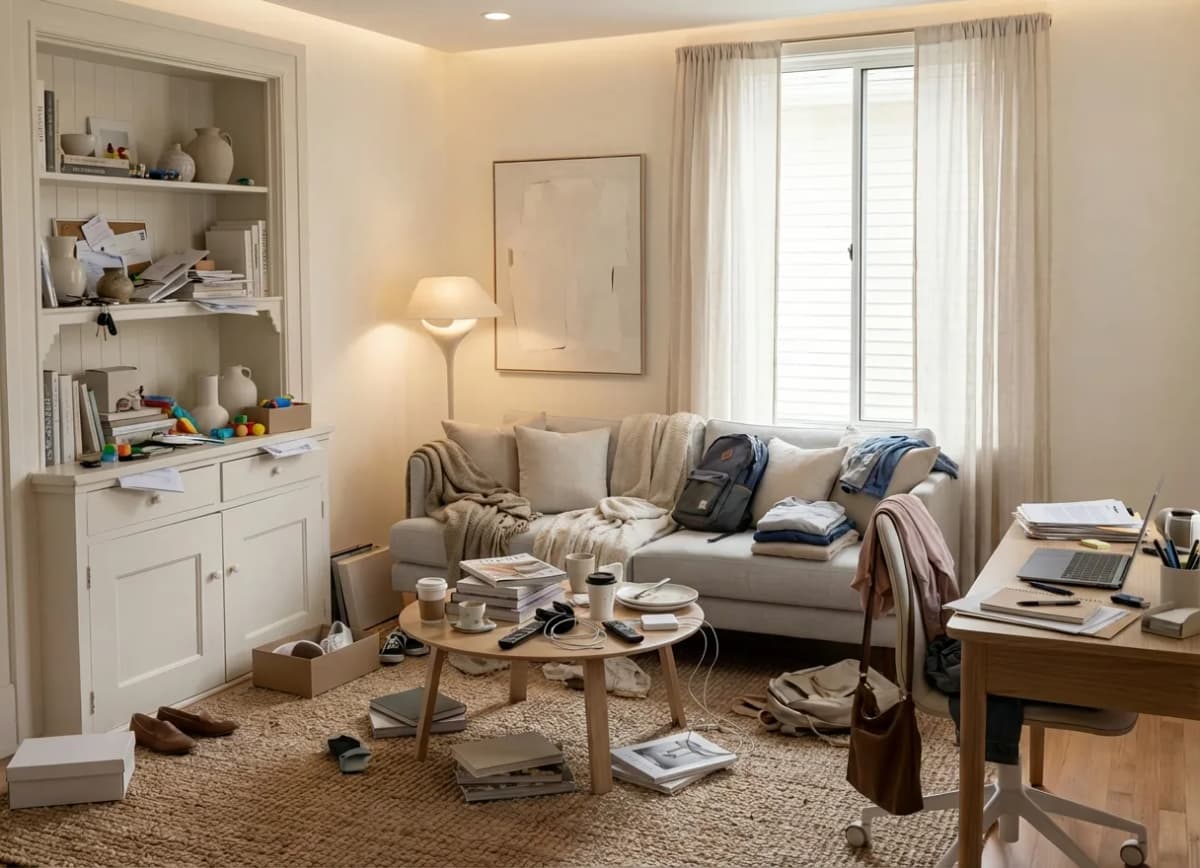
Buyers give a Zillow or Realtor.com card a few seconds. An empty room reads as a hole. They swipe. Not because the house is wrong — because the photo did not do its job.
What the listing photo is for
It is not a design class. It has to earn the click, then the showing. Readable volume, light, one coherent style. That is the whole brief.
Physical staging still helps the visit. For the listing, it is slow and expensive.
What AI staging changes
Upload the room photo. Pick a style. Download a publish-ready visual. Packs from €9 / 10 photos, 3 credits to try. We do not quote a “73% faster” line. The win is the click you were losing.
Label it as a visualization of potential, like a 3D plan. Visitors should know what they will see in person.
How to do it
1. Shoot the empty or cluttered room in daylight, wide but not warped.
2. Upload it to Lift My Place and pick a style (Scandinavian, modern, and so on).
3. Publish on Zillow, Realtor.com or your storefront, with the visualization note.
One photo. Then the next.
Who it is for
Agents who list every week. Not moodboard browsers.
Facades stay in the product if you need them. This page is about the interior listing photo.
Try it
Upload a photo. Sign-in comes after, with the file and settings kept.