
Today, Lift My Place is officially live on the App Store. The free app — universal across iPhone and iPad — puts the AI home staging engine behind liftmyplace.com — more than 1,000 photos transformed since January 2026 — directly in your pocket. Snap a photo of an empty or dated room, pick a style, and the AI returns a fully staged render in moments — without ever leaving your phone.
This is a meaningful milestone for the project. The web app stays the workhorse for agents who process dozens of listings per week, but mobile usage — owners during a viewing, Airbnb hosts on site, building managers shooting a facade — deserved its own purpose-built tool. The iOS app answers exactly that need.
Why a dedicated iOS app
liftmyplace.com works fine in mobile Safari, but a native app adds three things the web cannot fully match:
- Direct camera and library access — one tap to shoot the room, two taps to transform it. No more bouncing from Photos to Safari and back.
- Lower perceived latency — the app pre-loads styles and the rendering pipeline, which shortens the gap between "I took the photo" and "I have my visual."
- Native notifications — when your render is ready (useful on complex 4K outputs), an iOS notification fires. You can close the app, walk away, and tap back in to grab the result.
The app is built for people working on their feet, in the field: agents on a viewing, owners clearing out an inheritance, Airbnb hosts between two check-ins, building managers photographing facades. It is a companion to the web app, not a replacement — and everything stays in sync.
A walk through the app
Four screenshots to map out the main flow.
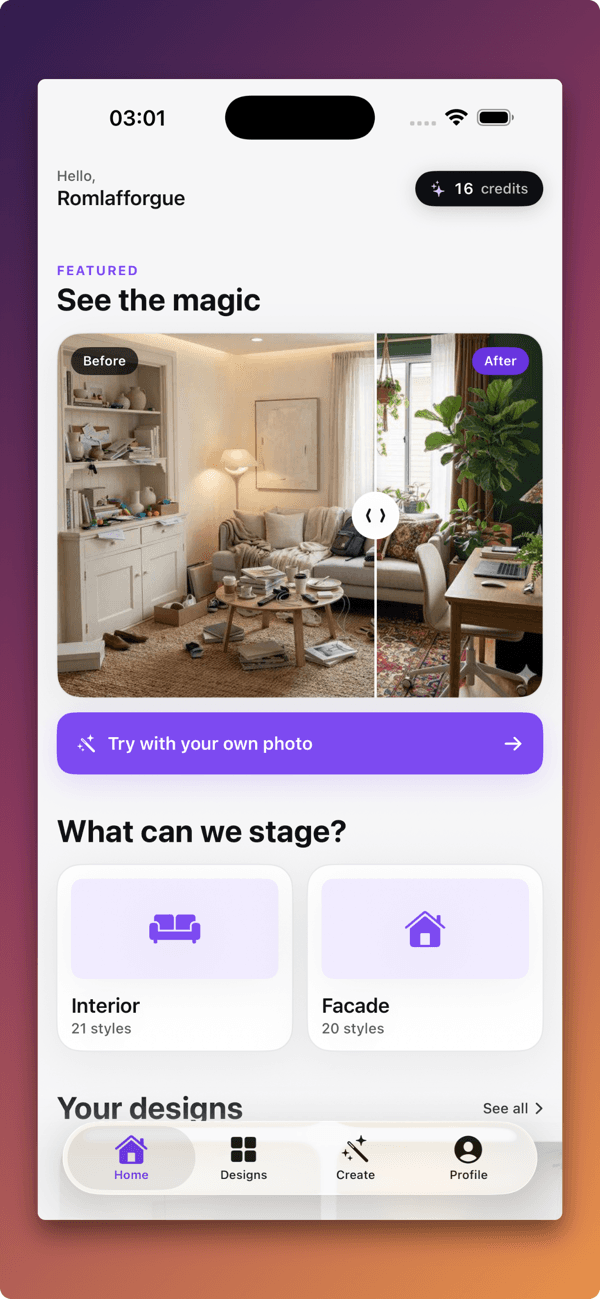
1. Home screen
On launch, the app shows your credit balance, the "New project" button, and quick access to your most recent renders. If you already have a liftmyplace.com account, you sign in with Apple ID or email — your credits and history appear immediately.
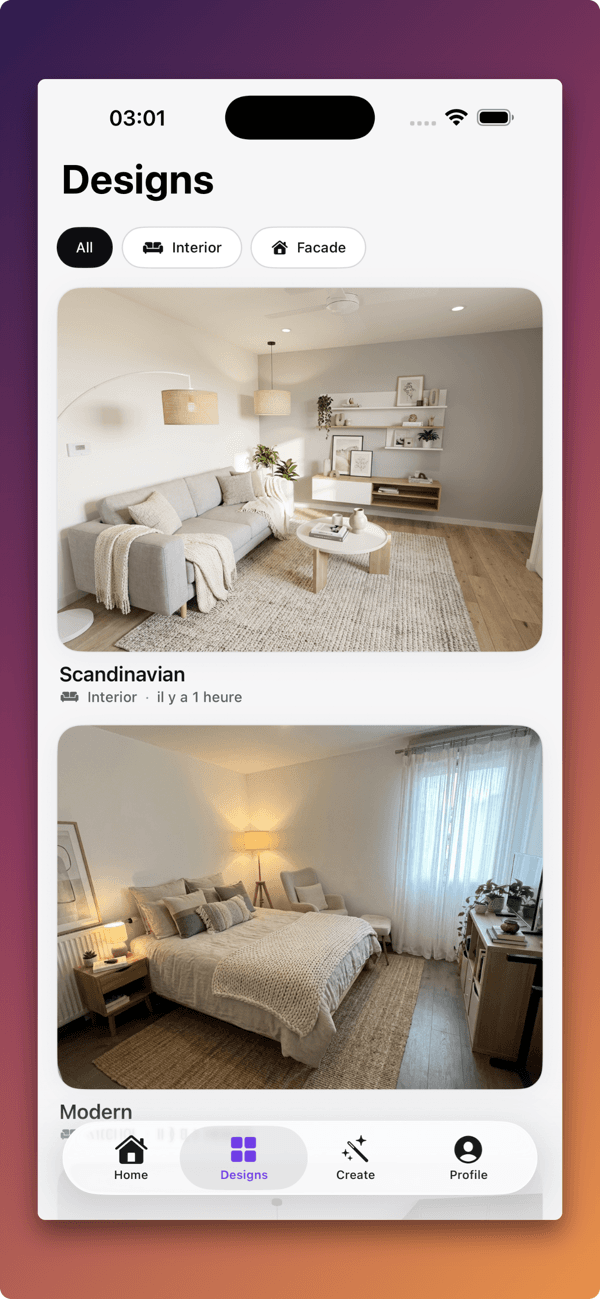
2. Style picker
The full catalogue ships in the app: interior styles (Scandinavian, modern, industrial, bohemian, Mediterranean, Japandi, mid-century, and more) and facade styles (Haussmann, contemporary, wood cladding, render, etc.). Every style has a tappable preview. You can test multiple styles on the same photo — each generation only costs one credit.
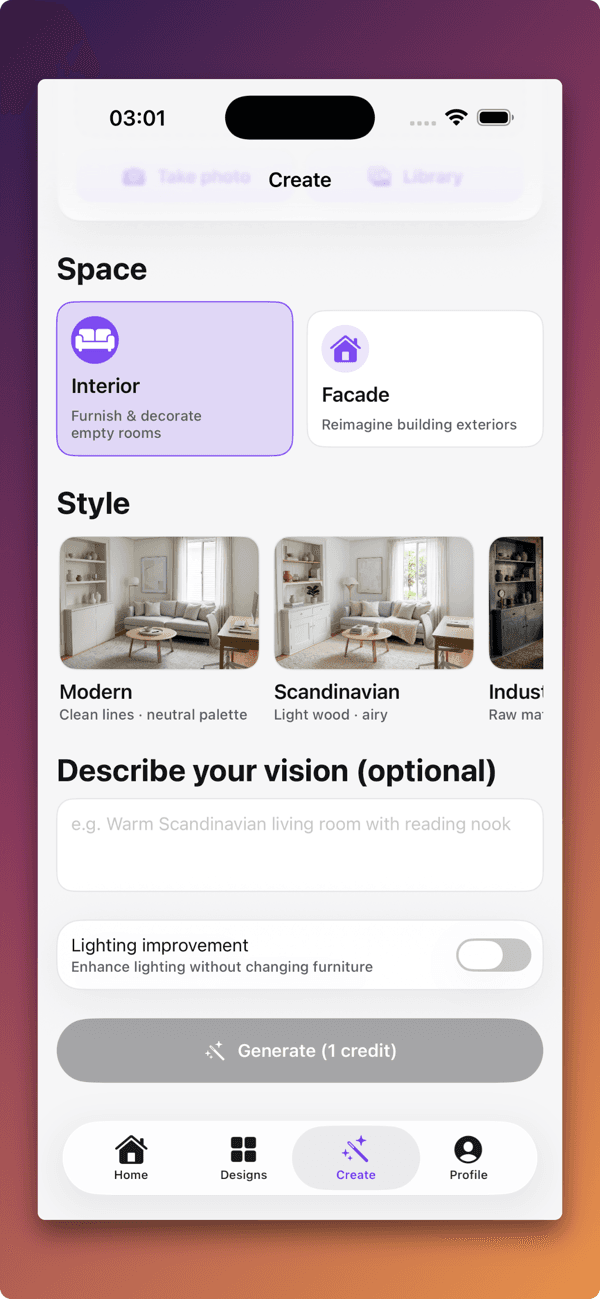
3. Render in progress
A real-time progress bar follows the render. The pipeline behind the app is the same one running on the web: room analysis, architecture preserved (walls, windows, ceiling), proportionate furniture placement, lighting and shadow simulation.
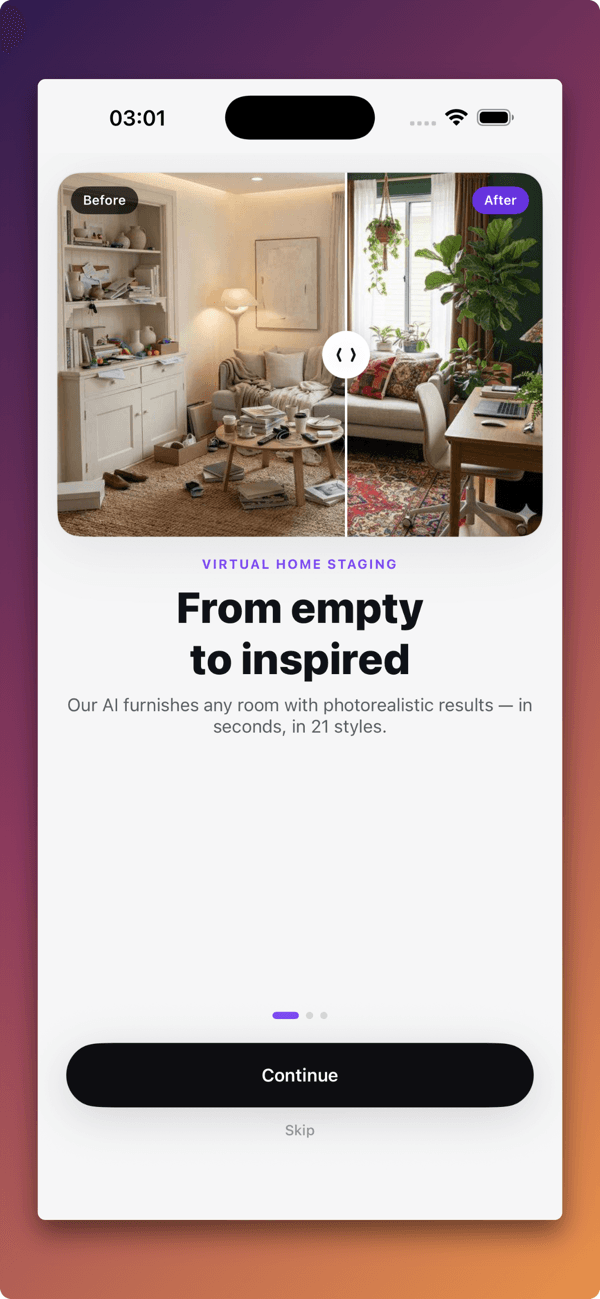
4. Shop the look
This is the signature feature of Lift My Place: every piece of furniture in your render is tappable and opens the matching Amazon product page. No more searching for "green velvet mid-century sofa" on Amazon — the app surfaces the closest match to the render, one tap away.
Core features
- Interior staging: furnish an empty room or redesign an existing interior.
- Facade renovation: simulate a renovation, cladding, paint or window-frame change.
- Before/after comparator: a touch slider drags between the original photo and the AI render.
- 4K export: exports up to 3840 × 2160 px depending on your plan, ready for Zillow, Rightmove, Redfin or a printed brochure.
- Amazon shopping links: overlaid on the furniture in your render, locale-aware.
- Web account sync: credits and history shared between the app and liftmyplace.com.
- No ads: 2 free credits on signup, then simple photo packs (no hidden subscription).
How to download
The app is free and runs on iOS 17 and later. Download Lift My Place on the App Store — account creation takes a few taps with Apple Sign-In, and 2 free credits let you generate your first renders with no card on file.
An Android version is in late beta and will land in the coming months. Until then, the web app runs smoothly in Chrome on Android.
Use cases
The app was designed around four profiles we interviewed during beta:
Real estate agents
The lead profile. Agents running several viewings a day use the app to generate a render during the viewing or right after, often from the car. The visual lands in the seller's inbox the same evening, which gives the agent a concrete argument when pitching for an exclusive listing mandate.
For-sale-by-owner sellers
If you list your home yourself (Craigslist, Zillow, Facebook Marketplace), a few virtually staged photos turn a mediocre listing into one that stops the scroll. The app lets you test multiple styles without limits — many sellers finalise their listing photos from the couch.
Airbnb hosts
To restyle a short-term rental without committing to a real refurb, the app helps visualise several looks before buying any furniture — then uses the embedded Amazon links to buy the exact pieces seen in the render.
Building managers and HOAs
The facade module was built with annual general meetings in mind: shoot the facade, generate 3 to 4 renovation simulations, present the renders during the meeting. Owners vote on real visuals rather than black-and-white printouts.
FAQ
Is the app free?
Yes, the download is free and 2 free credits let you run your first renders without entering a card. After that, you buy a photo pack or pick a monthly plan.
Are my web credits usable in the app?
Yes. Sign in with the same account (Apple ID or email) and your credits, designs and history appear immediately.
What output quality?
Renders are delivered at up to 4K (3840 × 2160 px) depending on your plan, ready for Zillow, Rightmove, Redfin or a printed flyer.
Does the app work offline?
Photo capture and style selection work offline, but the render itself needs a connection (the generation runs on our servers, not on-device).
Is there an iPad version?
Yes, the app is universal iPhone + iPad, with the same features on both.
Privacy and photo handling
Lots of questions come up on this point — fairly, you are photographing your home or a client's. Here is what happens to your images:
- Encrypted storage on EU-hosted servers (Supabase, AWS Frankfurt). GDPR-compliant by default.
- No use for AI training out of the box. The generation model is used to produce your render, not retrained on your photos.
- On-request deletion from the in-app Account screen, or by emailing contact@liftmyplace.com. Deletion is permanent within 7 days.
- No third-party sharing except for explicit integrations (Amazon for shopping links, Stripe for payments). No data resale, no ad trackers in the app.
If you photograph a property you don't own (you are an agent or home stager), make sure you have written consent from the owner before publishing the renders — this is a legal requirement, not a Lift My Place specific.
Differences with the web app
The app and the website share the same engine, but a few features stay platform-specific:
| Feature | Web | iOS |
|---|---|---|
| Render generation | ✓ | ✓ |
| Interior & facade styles | ✓ | ✓ |
| Amazon shopping links | ✓ | ✓ |
| Credit sync | ✓ | ✓ |
| Batch editing (10+ photos) | ✓ | Coming soon |
| Portfolio PDF export | ✓ | — |
| Apple Sign-In | — | ✓ |
| Render-ready notifications | — | ✓ |
| Native camera capture | — | ✓ |
For agents handling 20+ listings per week, the web app stays the more efficient surface. For field work, the app takes over.
iOS roadmap
A few items already in flight:
- Batch editing: pick 5 to 10 photos of the same property and run generation in one shot.
- Floor-plan to 3D: turn a 2D floor plan into a furnished 3D visualisation.
- Direct sharing to WhatsApp / iMessage: send the render and the Amazon shopping links straight to a client.
- iOS widget: surface your credit balance and most recent renders on the home screen.
These will all ship as free updates for every user.
Keep reading
- The complete virtual home staging guide
- Pricing and plans
- Pro space for real estate agencies
- Virtual staging for empty homes
Lift My Place is an indie project, built in France by a solo founder. Your feedback on the app matters — drop a review on the App Store or write to us at contact@liftmyplace.com.